todo.sh-notion
Integration between todo.sh and Notion Task Lists!
 demonstration
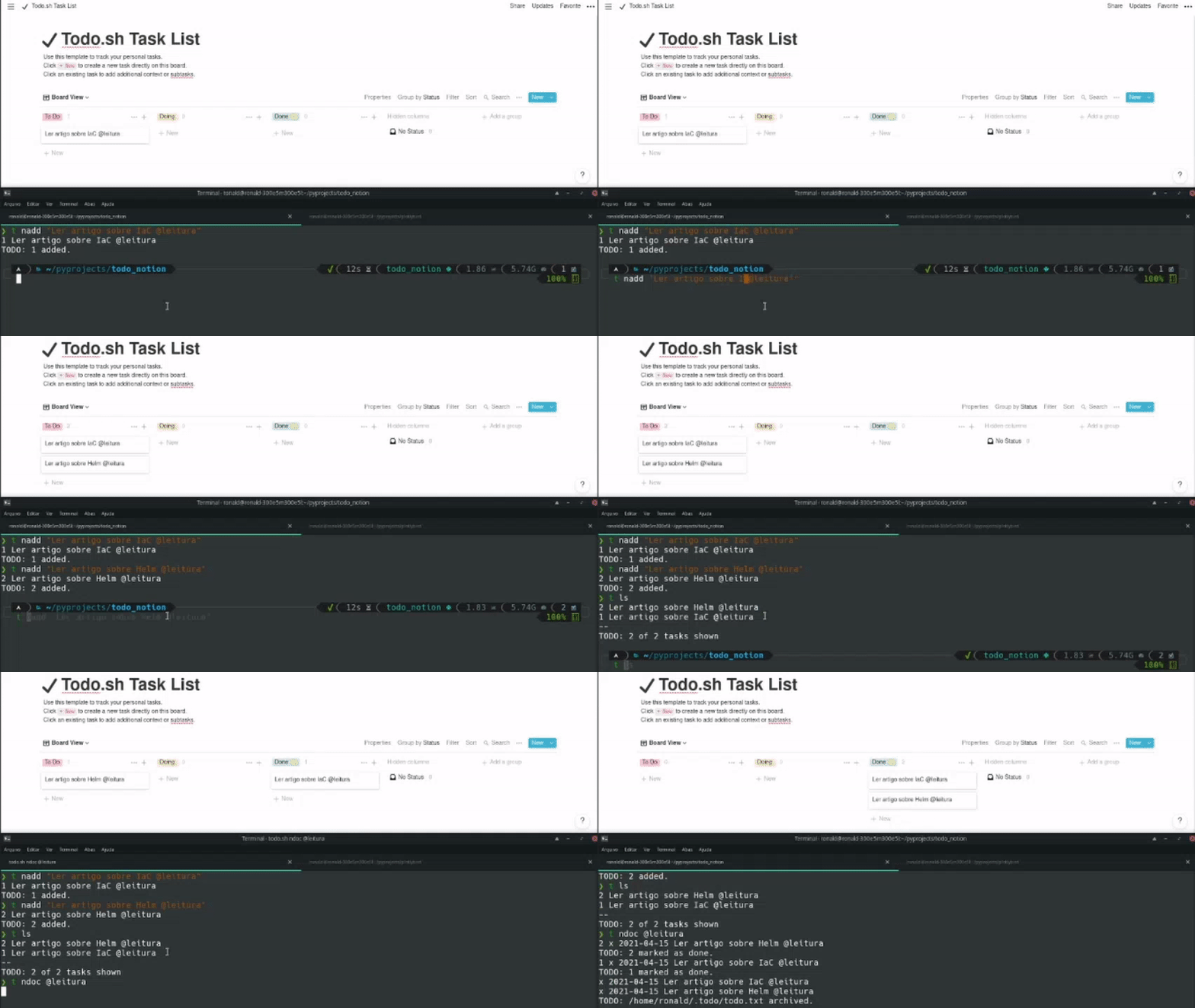
Motivation:
To helps the todo.sh users to sync your tasks with Notion. Without quiting the terminal or doing something extra effort. For me, who have focus problems, it helps a lot.
Pre configuration
You need to provide two environment variables to allow the integration (put it in your .bashrc if you want):
export NOTION_TOKEN_V2=''
export NOTION_TASK_LIST_URL=''
To catch the NOTION_TOKEN_V2 you need to go into https://notion.so page and enable the browser devtools,
find a token_v2 in cache and copy the value.
 token
token

To catch the NOTION_TASK_LIST_URL it’s quite simple, just navigate to your Task List and copy the URL.
Installation
It’s important that the todonotion command be available globally (like todo.sh)
so, we will install using the flag –user that installs the package in your personal directory for python dependencies.
pip install todo.sh-notion --user
After that, we run the command:
todonotion configure
This will create the todo.sh actions in ~/.todo.actions.d:
naddlikeadd, but creates the card in notion task list too.ndolikedone, but moves the card in notion task list too.ndoclikedone, but this allow you to perform actions in all cards by @context or any text part that contains in card titles, moves the cards in notion task list too.ndellikedel, deletes by task ids, delete the card in notion task list too.